- Select Control Panel from the left hand navigation, and then select Utilization - > Workflow Utilization.
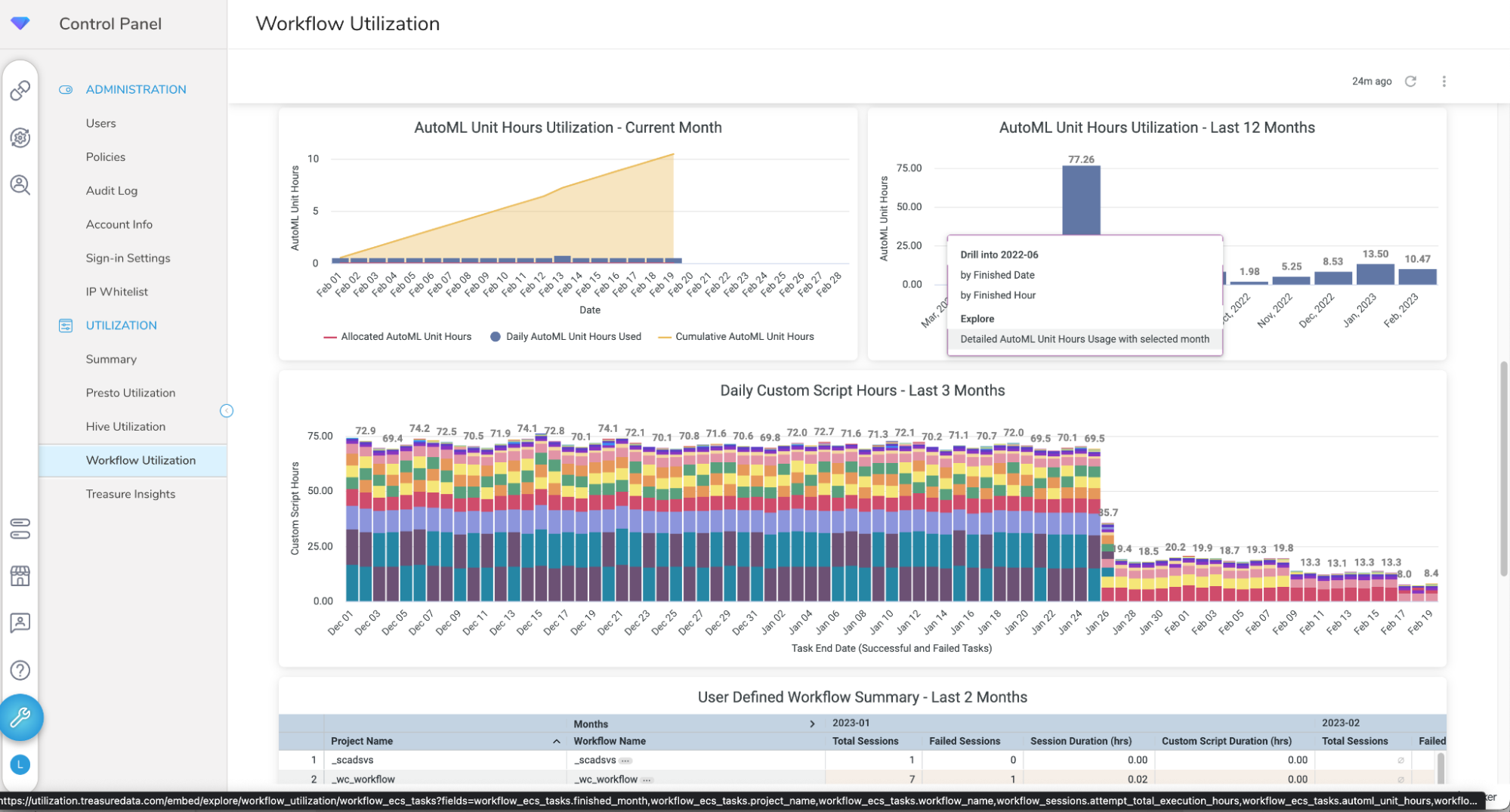
- In the bar chart AutoML Unit Hours Utilization - Last 12 Month , select on a bar to open the context menu.
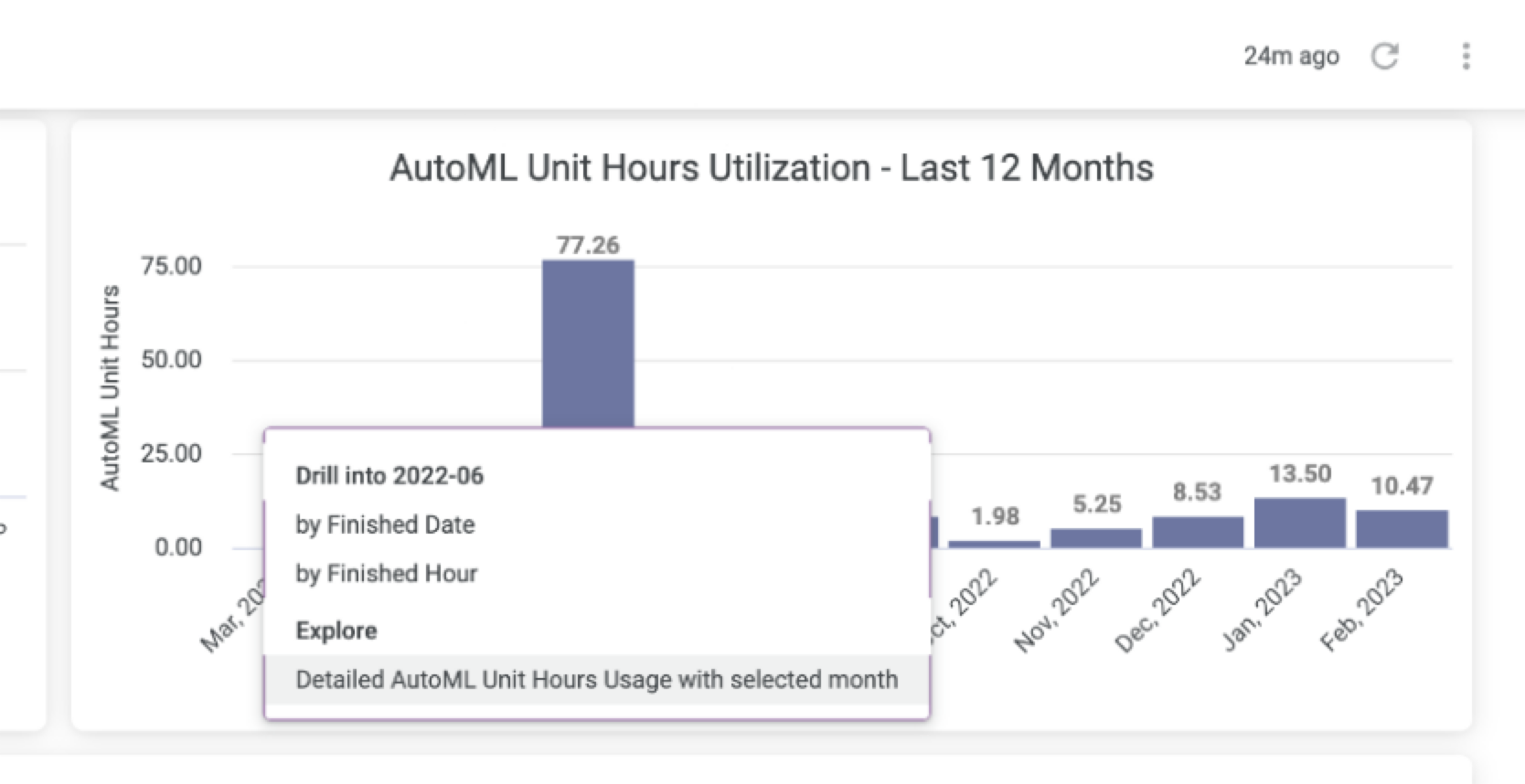
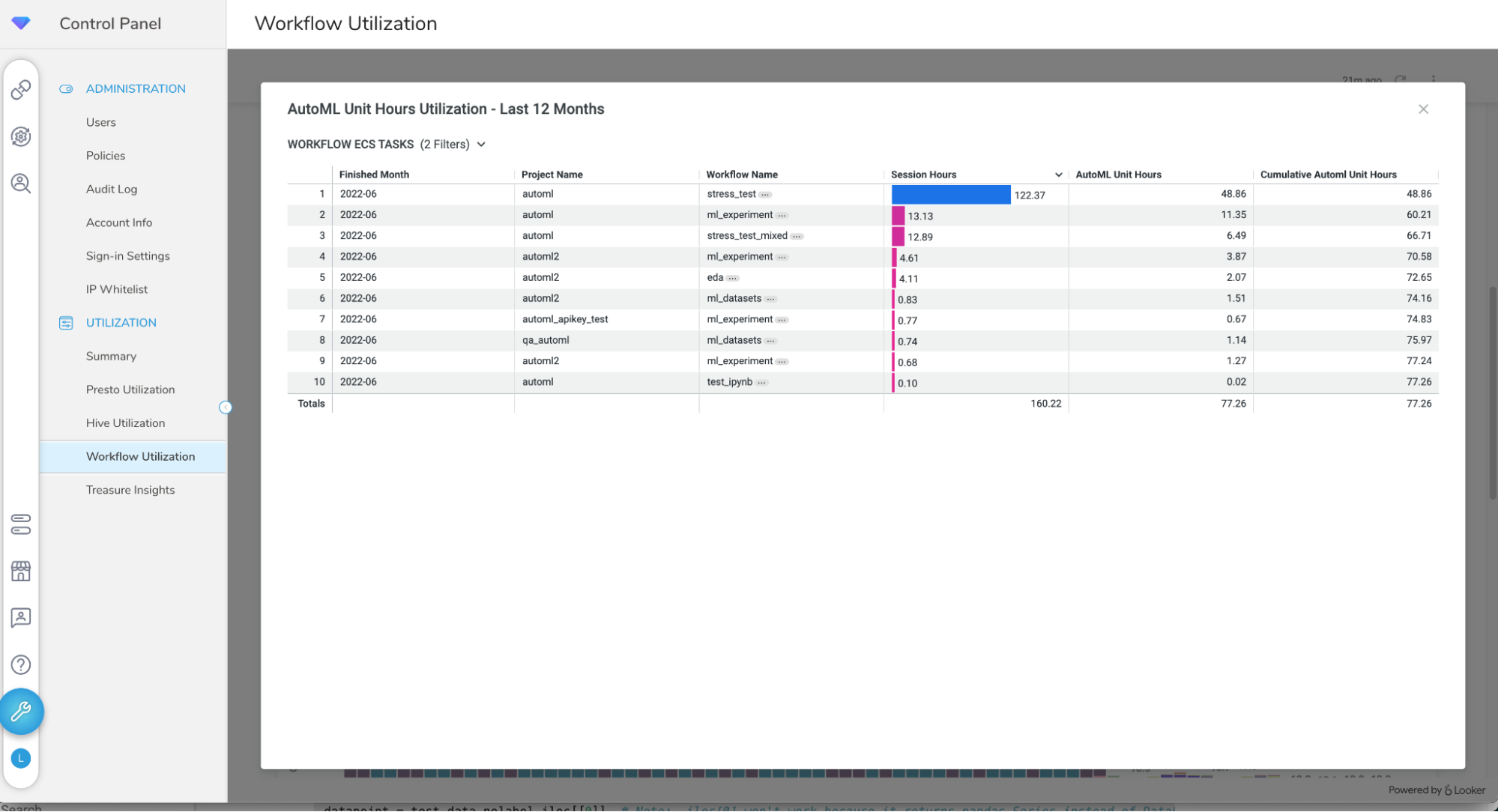
- Select Detailed AutoML Unit Hours Usage with selected month from the context menu, to show the table view for that month.
Products
/Control Panel
/- View the Utilization Dashboard
Utilization
Accessing your Data Utilization Dashboard
Accessing your Presto/Trino Utilization Dashboard
Accessing your Workflow Utilization Dashboard
Accessing your Treasure Insights Utilization Dashboard
Accessing your ICDP Utilization Dashboard
Accessing your AI Suite Credits Utilization Dashboard
View the Utilization Dash...
Last updated